Liam's AI Experiment 003: I Published a Website on GitHub Without Learning Git
I published a web playbook to GitHub Pages without learning git: export, upload two files, flip one toggle. Here is the whole play.
The experiment
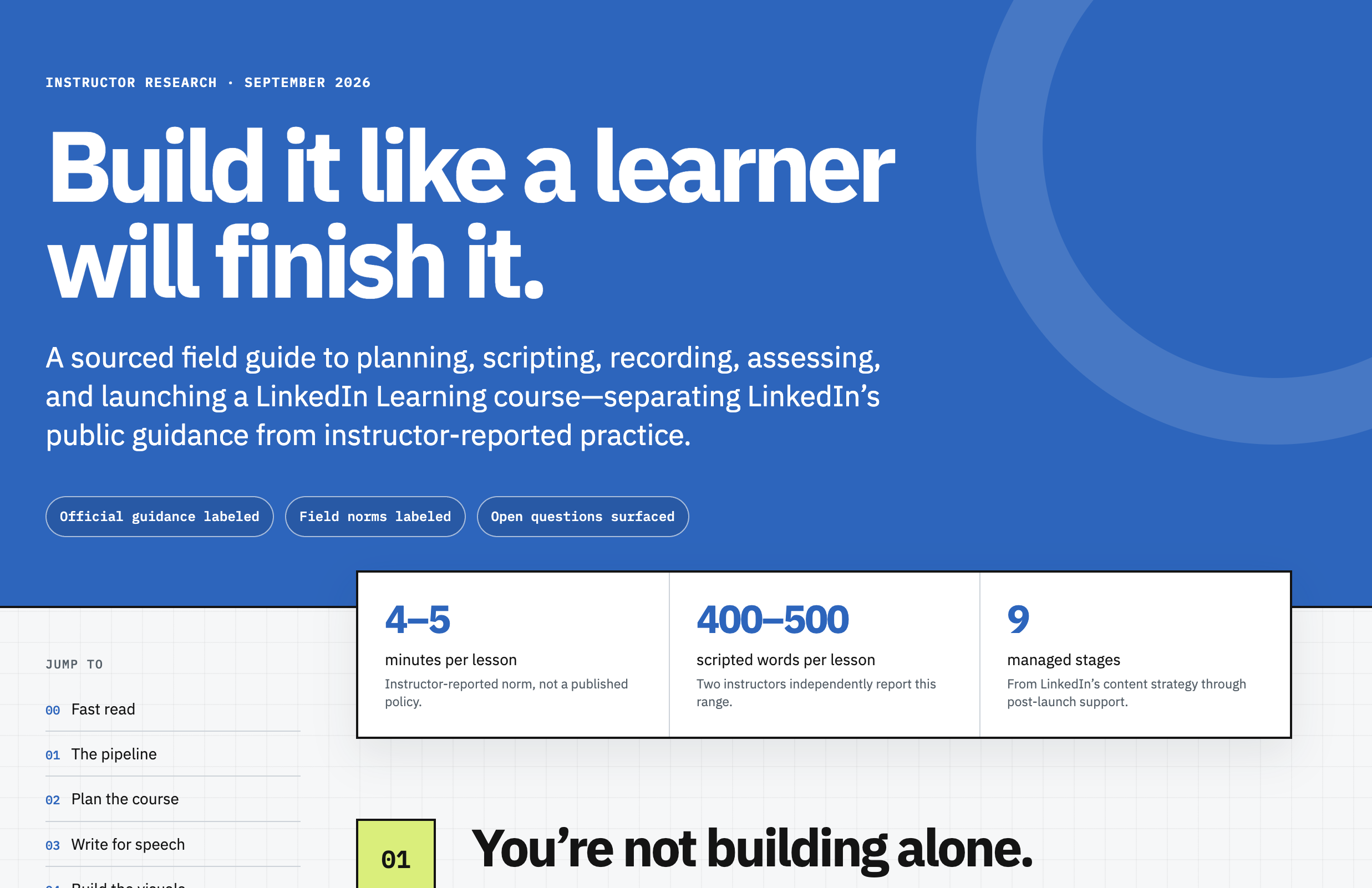
While producing my LinkedIn Learning course on GEO, I had Shamus research instructor best practices and turn the findings into a web playbook. It covers the production pipeline, scripting standards, recording, assessments, launch, and promotion, with LinkedIn's official guidance kept separate from instructor lore. I wanted it public, and GitHub Pages was the obvious free home. The catch: I had never published anything on GitHub in my life.
What I tried
I asked Shamus to put it on my GitHub. He could not push it himself, since there is no login on his end and I handle my own logins, so he exported the page, packed it into a zip with a README, and walked me through the whole thing click by click: create the repo, upload two files, switch on Pages in settings.
What happened
It worked. The repo is liamdarmody-ai/linkedin-learning-playbook and the playbook is live at liamdarmody-ai.github.io/linkedin-learning-playbook. New skills required: zero. No command line, no git commands, no config files. The only thing that tripped me up was finding the Pages setting, which lives under Settings in the repo's More menu.
What you should try
If you have a static page and want it on the internet for free, you do not need to learn git first. GitHub's web UI plus Pages is just upload plus one settings toggle. And if you are working with an AI assistant, have it prep everything (the exported files, the README, the click-by-click steps) so your only job is following along.
See it live: the playbook